
 0
0
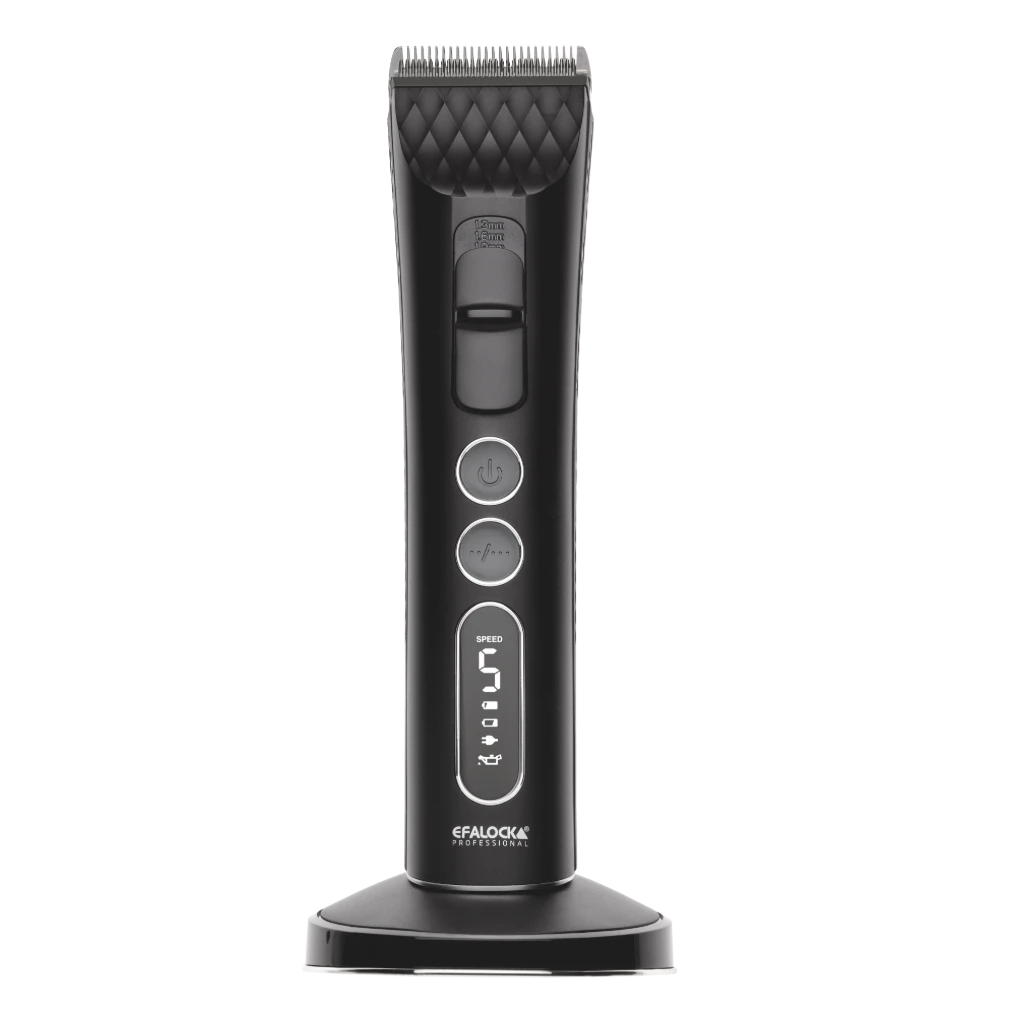
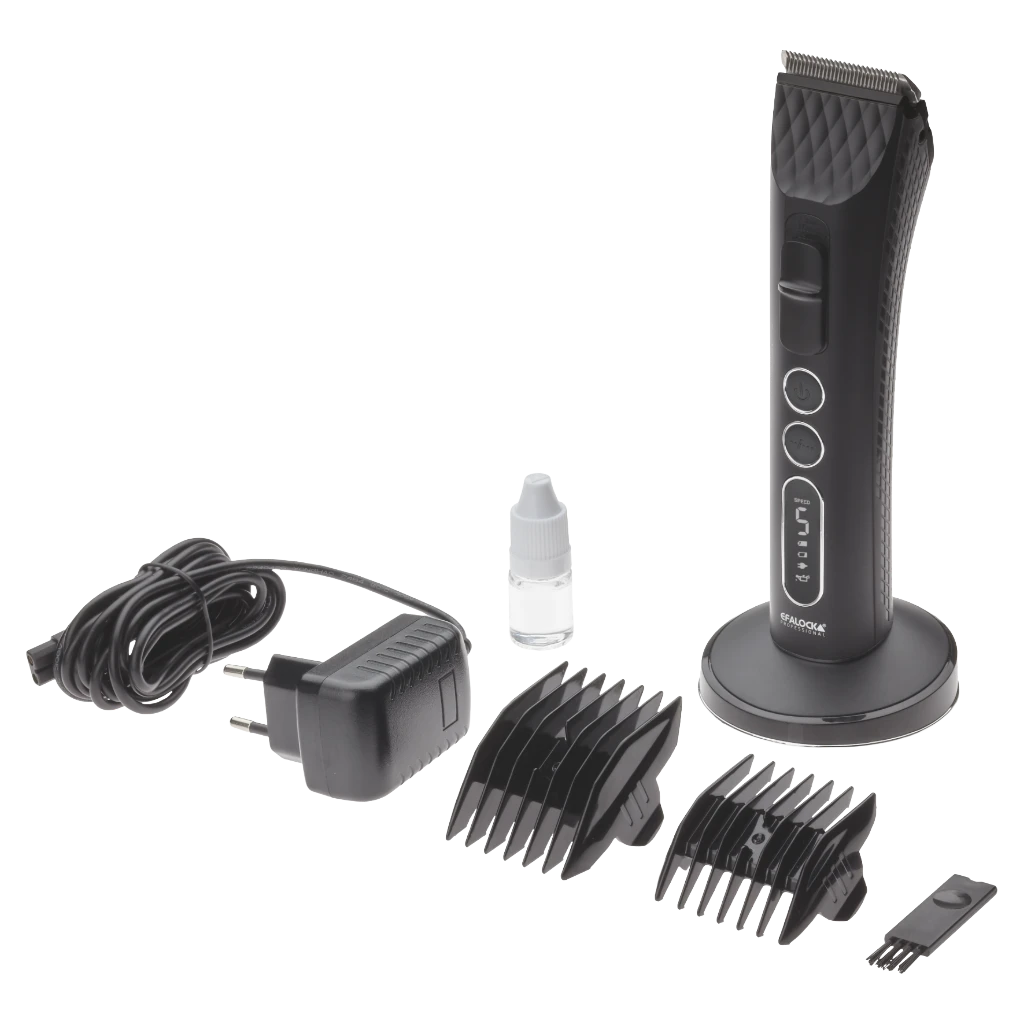
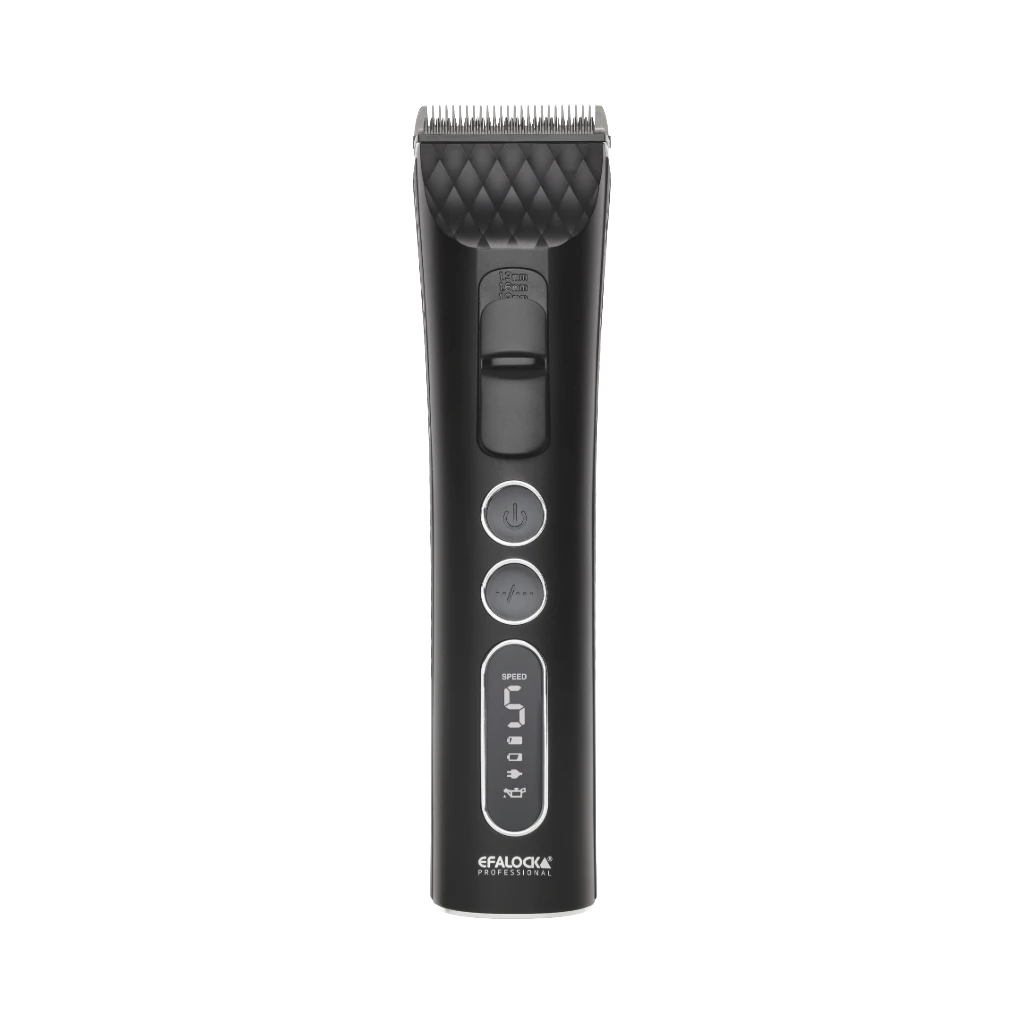
mains/battery operation
operating time: up to 360 min. | Charging time: 180 min.
motor: 5 speed settings
titanium cutting setwith stainless steel blade and quick-change system
cut length setting: 1.0; 1.3; 1.6; 1.9 mm
display: LED indicator for speed, charge level, oil status, mains operation
accessories: 2 comb attachments (3-6, 9-12 mm), cleaning brush, oil, power supply, charging station
The NXC pro hair clipper offers a very high cutting performance thanks to the high motor speed and holds with 5 speed levels and various cutting length settings individual adjustment options. At the same time, the hair clipper remains extremely smooth running and low vibration: the innovative SHELL TECHNOLOGY double-insulates the motor, which greatly reduces vibrations. In addition, the special COOL BLADE stainless steel blade ensures reduced heat generation and is therefore particularly user-friendly. With a cordless operating time of up to 5h, the NXC pro is perfect for professional use.
Mains/battery operation
Operating time: up to 360 min.
Charge time: 180 min.
Motor: 5 speed levels from 5000-7000 rpm, constant speed regardless of charge status
Titanium cutting set with stainless steel blades and quick-change system
Cutting head width: 45 mm
Cut length setting: 1.0; 1.3; 1.6; 1.9 mm
<Handling: ergonomic, extra quiet (<69 dB)
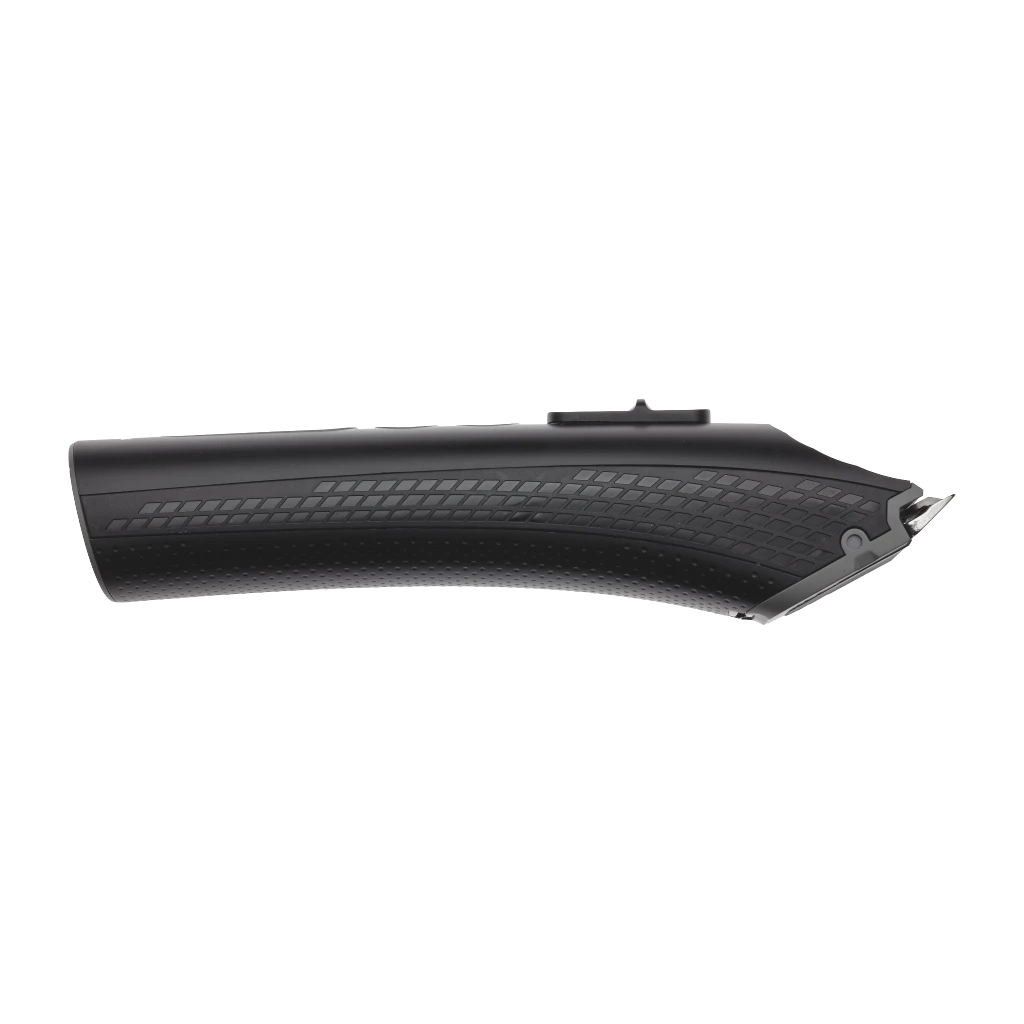
DIAMOND-GRIP on the sides
Display: LED display for speed, charge level, oil status, mains operation
Weight: 251 g
Mains operation: 100-240 V | 50-60 Hz
Power: 6.5 W
2 comb attachments (3-6, 9-12 mm), cleaning brush, oil, mains adapter, charging station
cleaning brush,
oil,
power supply unit,
charging station
Hair clipper, comb attachments (3-6/9-12 mm), cleaning brush, oil, power supply unit, charging station, operating instructions
Usage Manual
Manual
Description
blade
slider
on/off switch
speed setting
LED display
speed indicator
battery is fully charged
battery level indicator
mains operation
maintenance indicator
Accessories:
Comb attachment 3-6 mm
Comb attachment 9-12 mm
Cleaning brush
Oil bottle
Charging station Power supply
Charging the battery
In this device, there is a lithium-ion battery. When the unit is shippedit is not yet ready for battery operation. Fully charge the unit beforethe first use. After a few charging cycles, the batteryfirst reaches its full capacity. After the first charge, the devicecan be used wirelessly.
Charging with the charging station:
Make sure the charging station is on a level surface. Insertthe adapter into the charging cradle.
Insert the adapter into a working electrical outlet.
Insert the powered-off device into the charging cradle.
To charge the device without the charging cradle, use the includedmains adapter.
Place the power adapter cord so that no one will trip over it.
Keep the power cord away from hot surfaces.
Cut Length Adjustment
Cutting Head:
Use the slider (2) tochange the length of the cut. The following cut length settings are available: 1.0; 1.3; 1.6 ; 1.9 mm.
Plug-on comb:
Slide the comb attachment into the notches located on both sides of thecutting head until it reaches a fixedposition. To remove, press oneither side of the comb attachment from the front.
Switching the unit on and off
Press the on/off switch (3).
LED indicator
Speed settings:
There are 5 speed settings (4). Depending on the level selected, theU/min and run time will vary as shown in the table.
Speed setting 1 2 3 4 5
1
2
3
4
5
p/min
5000
5500
6000
6500
7000
Battery level indicator:
Check the battery level before each use.
Charge the battery whenlow before each use.
Icon illuminates:
Battery is fully charged
Symbol flashing: Battery is charging
Symbol is lit: Battery charge level is low
Icon lit: Cleaning and oiling
CLEANING, CARE, MAINTENANCE
Before maintenance, turn off the power and disconnect the unit frompower.
Cleaning the unit
Wipe the unit occasionally with a damp (not wet) cloth. Then dry with a clean cloth.
Cleaning the cutting head
Removing the cutting head:
Hold the hair clipper with one hand facingup and push down the blade with your thumb as shown in the figureabove (1). Take the blade in the other hand to prevent it fromfalling down.
Maintaining the clipper head:
Press and hold the top of the blade (1). Use thecleaning brush to remove hair from between the top blades. Keepthe hair clipper tilted towards the floor to prevent oil from running intothe motor. Use 1-2 drops of lubricating oil at the pointsshown in the figure (3).
Inserting the cutting head:
Hold the hair clipper with one hand facingdown and place the bottom of the blade so that its center fits against thehair clipper. Press the front of the blade downuntil it clicks into place (4).
Storage
If you will not be using the unit for an extended period of time, store it only in a chargedstate. It should be stored in a cool and dry place. Make surethat the device is protected from dust and other environmental influences.Protection of the environment provided.
Ostukorv on tühi